Sign in
Signing in allows you to access enhanced features and request access to datasets. While you can browse datasets without an account, signing in allows you to:
- Submit applications to request access to datasets.
- Enhance your search with additional filters and more comprehensive search results.
- See more dataset information including
record countsand other metadata to help assess if datasets meet your research needs.
The GDI Portal uses your existing accounts with other platforms like Google, LinkedIn, and organisations like universities or research institutions, so you don't need to create a separate account.
To sign in to the GDI Portal:
-
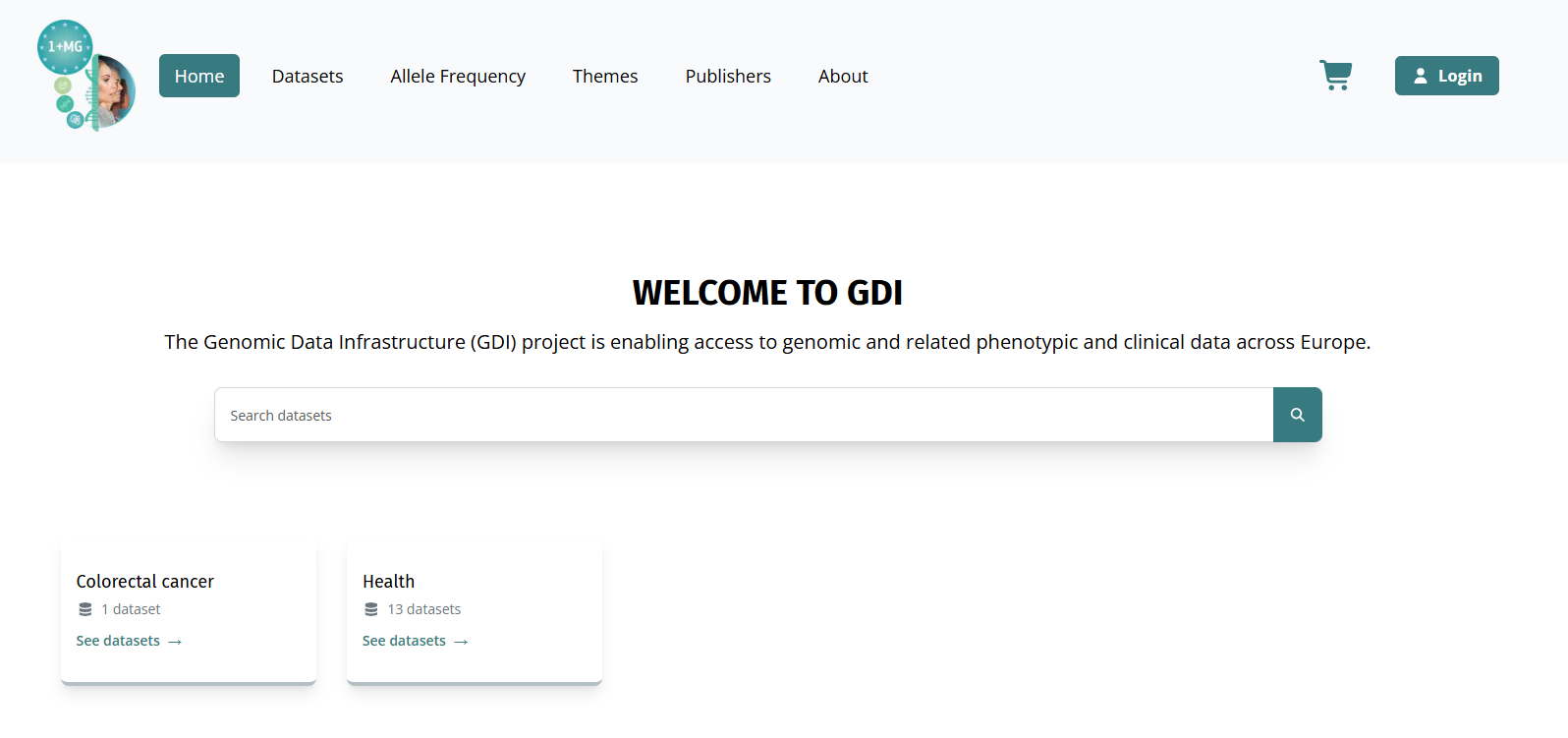
Open the GDI Portal in your browser: https://portal.dev.gdi.lu/.
-
Select Login at the top right corner of the page. The login page opens.
-
Select LSAAI as your sign-in method.
Why LSAAI?GDI Portal requires you to sign in with LSAAI (Login Service for Academic and Administrative Institutions). LSAAI is a secure login system that lets you use your existing accounts like Google, LinkedIn, university, or other institutional accounts. This means you don't need to create a new account specifically for the GDI Portal.
-
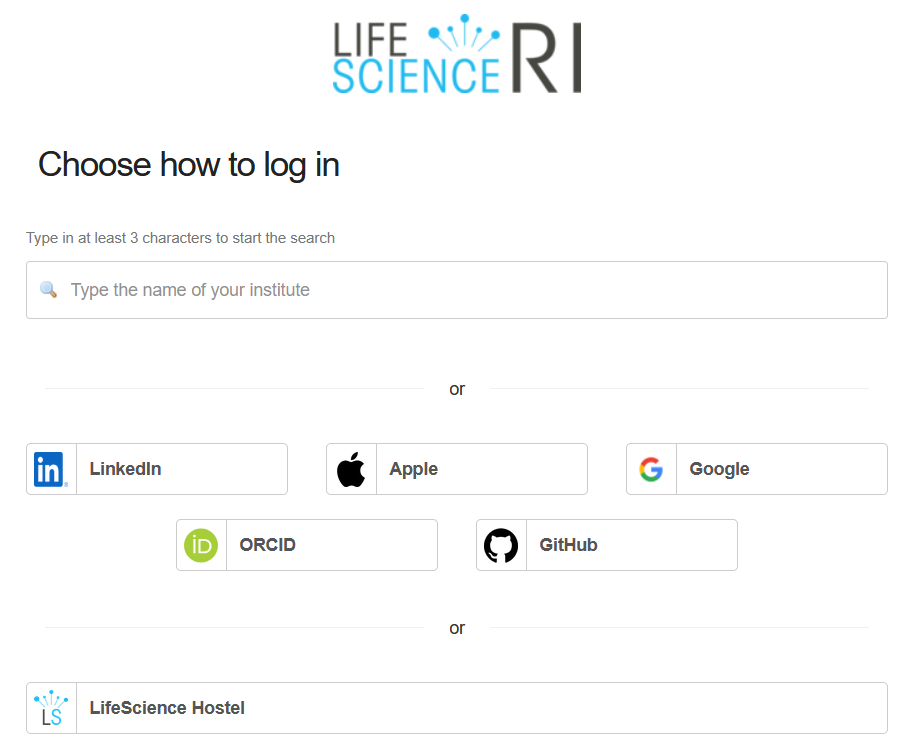
Select your account provider: Search for your institution in the search bar, or select from the list of options (LinkedIn, Apple, Google, ORCID, GitHub).
-
Follow the instructions to sign in with your selected account. If it's your first time signing in, you may need to verify your email address.
-
After you sign in, the GDI Portal home page loads and you can start exploring datasets.