Add participants to your application
Add participants to collaborate with team members or colleagues on your dataset access request. You can invite multiple participants to help complete the application, upload required documents, and stay informed about the request status.
You can add participants to draft and submitted applications. Participants can:
- View the application details and requirements
- Submit requirements such as forms and documents
- Submit draft applications for review
- Receive status updates via email
To add participants to your application:
-
Select the folder icon () on your dashboard.
-
Select the Applications tab on your dashboard, and select your draft or submitted application.
-
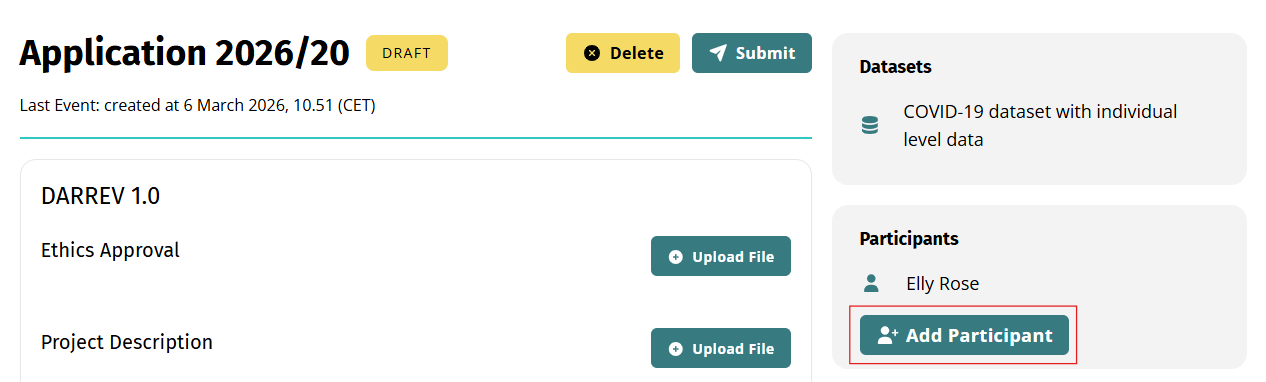
Select Add Participant on the application details page.
- Enter the name and email address you want to invite and select Send. Do this for each participant you want to add.
Well done
After participants accept your invitation, they can access the application from their dashboard and continue the application process.